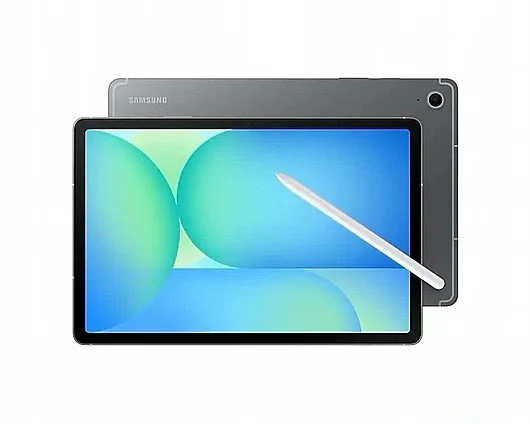
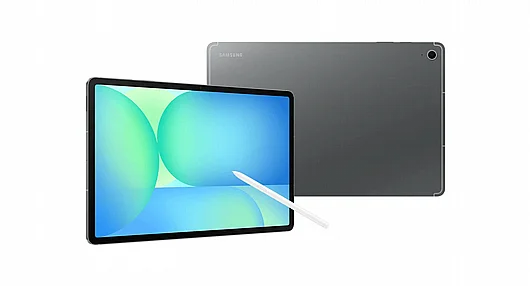
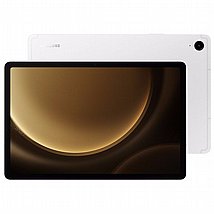
טאבלט Samsung Galaxy Tab S10 FE 10.9" SM-X520 256GB 12Ram Wifi With S-Pen
דגמי 2025 החדשים !!
זכרון בנוי (12GB(RAM) + 256GB(SSD
כולל עט סמסונג בערכה ! ומאפשר שימוש במקלדת (נמכרת בנפרד)
peculiarity
Focus feature
Search in one circle
Extra-large screen
Smart Notes with S Pen
ftd16_interactive multi feature-product detail-indicatorftd16_interactive multi feature-product detail-indicatorftd16_interactive multi feature-product detail-indicator

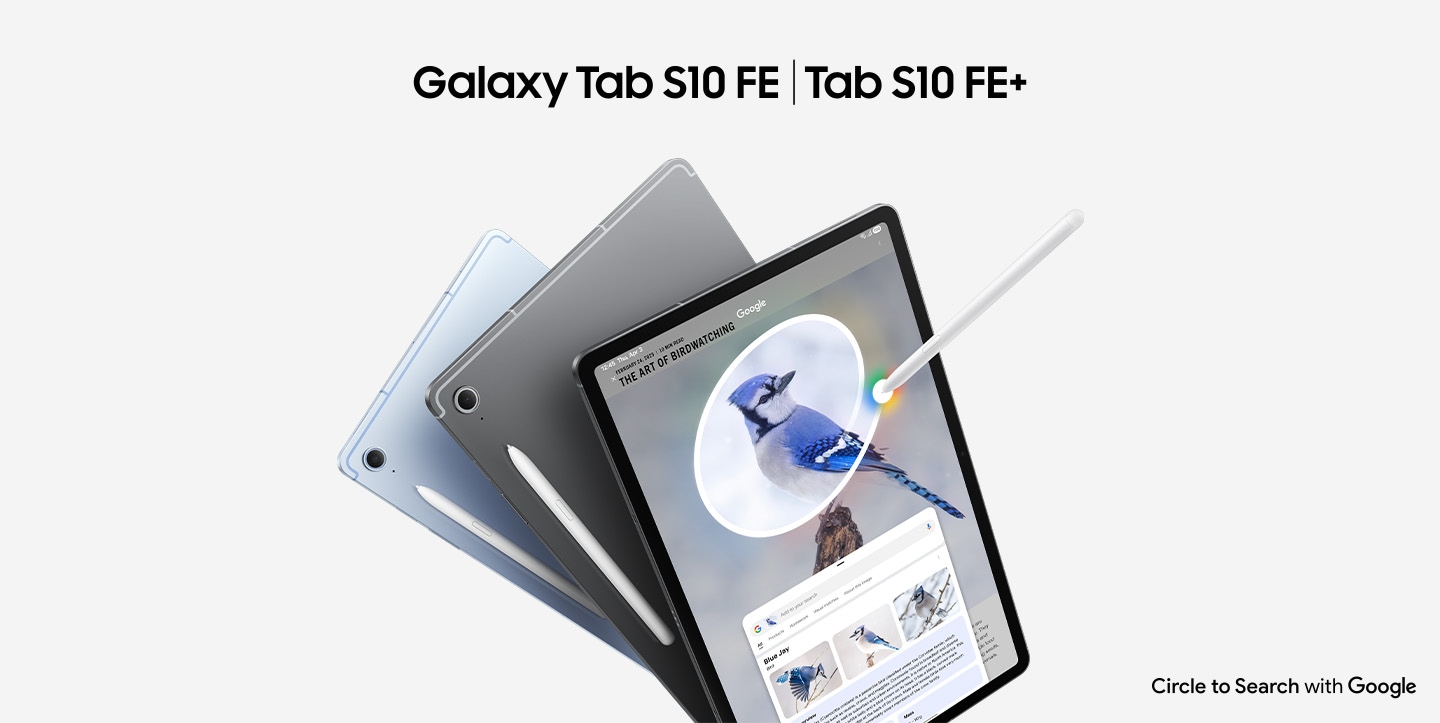
An iconic look that makes a statement come true
The AI-powered Galaxy Tab S10 FE and Tab S10 FE+ are equipped with an S Pen so you can be as creative as you want. The design details are in light tones, which adds a touch of style to the body and makes it stand out. You can choose between Mist Grey or Mist Blue.
ftd16_interactive multi feature-product detail-indicatorftd16_interactive multi feature-product detail-indicator

You don't need to switch apps to use Google Circle Search
Circle, and the answer is immediately presented on the big screen
Search the screen for any image, video, or text. Whether it's a circle, a key point, a scribble, or a click, you'll instantly find out what you want to know without taking a screenshot.

A good helper is necessary for homework
Learn smarter on Tab with Google. Just circle the content on the screen and find instructions, videos, and results for math, history, chemistry, biology, physics, and more from the web in real time, all in one app window.

A good helper is necessary for homework
Learn smarter on Tab with Google. Just circle the content on the screen and find instructions, videos, and results for math, history, chemistry, biology, physics, and more from the web in real time, all in one app window.

A good helper is necessary for homework
Learn smarter on Tab with Google. Just circle the content on the screen and find instructions, videos, and results for math, history, chemistry, biology, physics, and more from the web in real time, all in one app window.

A good helper is necessary for homework
Learn smarter on Tab with Google. Just circle the content on the screen and find instructions, videos, and results for math, history, chemistry, biology, physics, and more from the web in real time, all in one app window.
A good helper is necessary for homeworkA good helper is necessary for homeworkA good helper is necessary for homeworkA good helper is necessary for homework

The big screen is as big as your imagination
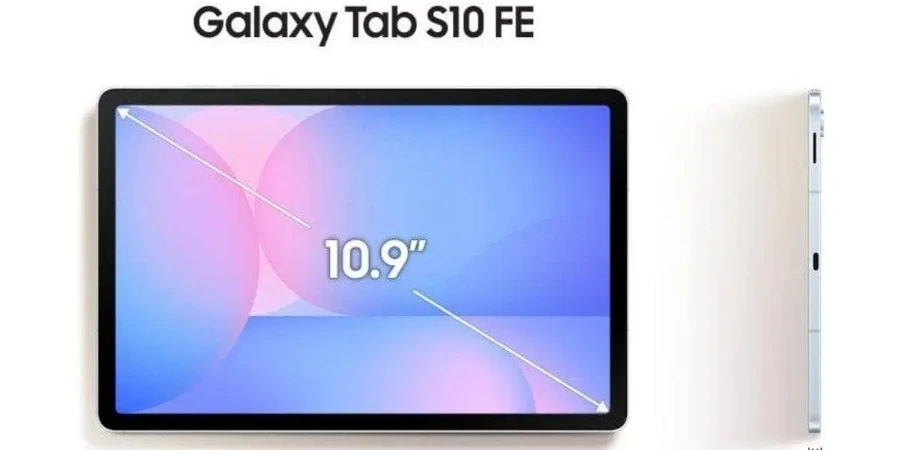
The Galaxy Tab S10 FE has a 10.9-inch screen for your creativity, while the Tab S10 FE+ is the largest screen ever in the Galaxy Tab FE series – with a larger 13.1-inch screen to help you achieve even more ambitious goals.

Fast performance to help you perform better
The ultra-smooth performance of the Exynos 1580 processor makes it easy to create, learn, and play. It supports a range of convenient features for you to improve your performance and experience the innovative technologies of AI. Both models feature massive memory for smooth multitasking, and support for up to 2 TB microSD cards to store your favorite content.

The screen is so bright and the picture is so smooth
A crisp screen with high resolution for crisp details and smooth visuals at 90Hz. Visual enhancements up to 800 nits in high brightness mode ensure your vision remains bright, even when you're outdoors; And the low blue light makes it comfortable for the eyes and keeps you in sync with what's on the screen.

Slim and lightweight, just the right size
The Galaxy Tab S10 FE or Tab S10 FE+ lets you take it with you wherever you go. Slim and lightweight, it fits easily into your active lifestyle, while slipping into a bag that's just the right size to take with you wherever you go for work and play.

The S Pen's note-taking skills have been greatly improved
Math solver function
Annoyed by complex math formulas? No problem! Just jot it down with the S Pen and Solve Math will automatically fix it for you.
The S Pen is used in the Samsung Notes app on the Galaxy Tab S10 FE series to jot down mathematical equations, and then Solve Math automatically provides a solution.

Handwritten note-taking aid
This smart feature lets you quickly correct messy handwritten notes, and AI helps you instantly draw straight lines, evenly space, align letters, and correct letter shapes.
The S Pen is used in the Samsung Notes app on the Galaxy Tab S10 FE series screen and uses the Handwriting Assist feature to automatically align the handwriting of scrambled notes.

AI shortcuts, one-touch and ready to use
Press the Galaxy AI shortcut to instantly enter your AI world. Customize the keys with your favorite AI assistant to streamline your workflow and get intelligent assistance in seconds.
13-megapixel lens for improved resolution
Get ready for a high-resolution photo and video experience that delivers the ultimate quality. The upgraded 13-megapixel rear camera captures what you see and hears with clearer and more detailed image quality, making each lens stand out even more.

Go out with peace of mind and be durable
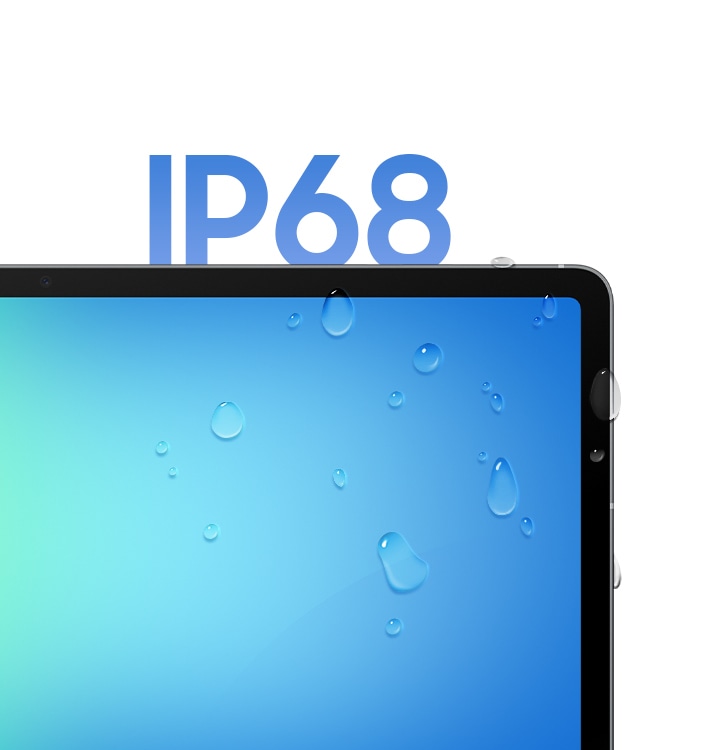
The Galaxy Tab S10 FE and Tab S10 FE+ are equipped with an S Pen and are IP68 water and dust resistant.
Get a personalized overview of your home
With the bird's-eye view on the Home Insight widget, you can easily see and check the status of your home. The dashboard provides important information about your home based on connected sensors and devices. In addition, a 3D map allows you to explore the space and get personalized AI recommendations.
Create like a master with the Galaxy Spotlight app
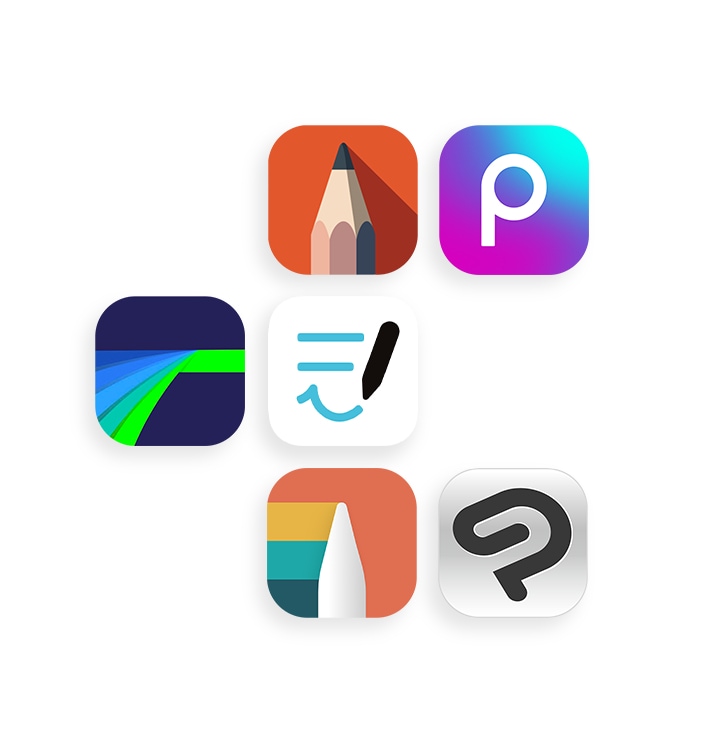
Unleash more creativity with professional-grade apps on Galaxy Tab S10 FE and Tab S10 FE+. Get inspired with LumaFusion, Goodnotes, Clip Studio Paint, Noteshelf 3, Sketchbook, and Picsart.
מפרט טכני:
Overview
10.9" (277.0mm)
13.0 MP
497
2.9GHz, 2.6GHz, 1.9GHz
Processor
2.9GHz, 2.6GHz, 1.9GHz
Octa-Core
Display
10.9" (277.0mm)
277.0mm (10.9" full rectangle) / 275.1mm (10.8" rounded corners)
- Resolution (Main Display)
2304 x 1440 (WUXGA+)
- Technology (Main Display)
TFT
- Color Depth (Main Display)
16M
S Pen Support
Camera
13.0 MP
Yes
- Front Camera - Resolution
12.0 MP
No
- Video Recording Resolution
UHD 4K (3840 x 2160)@30fps
Storage/Memory
12
256
233.7
MicroSD (Up to 2TB)
Connectivity
USB 2.0
GPS, Glonass, Beidou, Galileo, QZSS
USB Type-C
No
802.11a/b/g/n/ac/ax 2.4GHz+5GHz, HE80, MIMO, 1024-QAM
Yes
Bluetooth v5.3
No
A2DP, AVRCP, DI, HAP, HFP, HID, HOGP, HSP, OPP, PAN, PBAP, PBP, TMAP
Smart Switch (PC version)
OS
General Information
Tablet
Sensors
- Accelerometer, Fingerprint Sensor, Gyro Sensor, Geomagnetic Sensor, Hall Sensor, Light Sensor
-
Physical specification
165.8 x 254.3 x 6.0
497
Battery
- Battery Capacity (mAh, Typical)
8000
No
Audio and Video
MP4, M4V, 3GP, 3G2, AVI, FLV, MKV, WEBM
UHD 4K (3840 x 2160) @60fps
MP3, M4A, 3GA, AAC, OGG, OGA, WAV, AMR, AWB, FLAC, MID, MIDI, XMF, MXMF, IMY, RTTTL, RTX, OTA
Services and Applications
Galaxy Buds3 Pro, Galaxy Buds2 Pro, Galaxy Buds Pro, Galaxy Buds Live, Galaxy Buds+, Galaxy Buds3, Galaxy Buds2, Galaxy Buds, Galaxy Buds FE